Appearance
Your first conversation
This page takes you from opening JuriBase AI to completing your first task.
Where to start
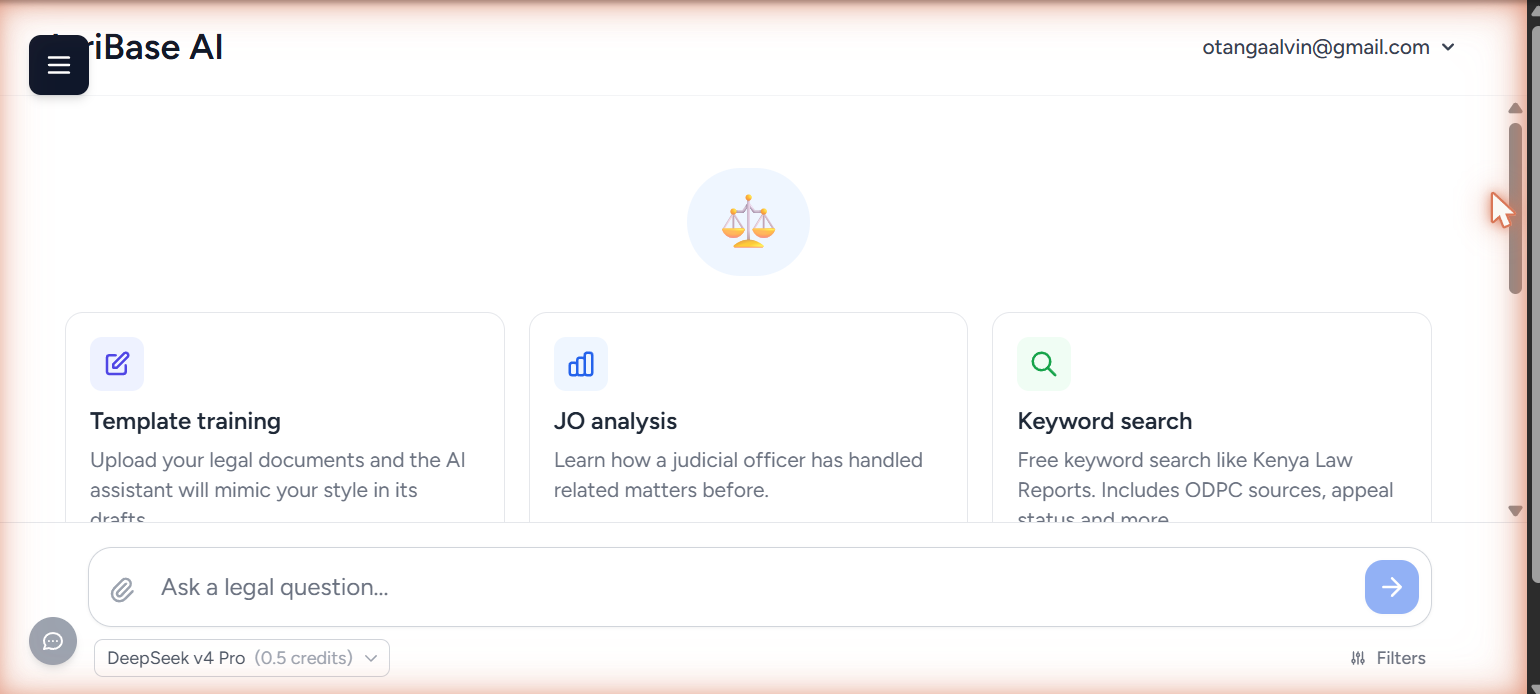
After logging in you land on ai.juribase.com/research. The box at the bottom of the screen — Ask a legal question… — is where everything begins. The cards above it are shortcuts into the specialist tools, and you can ignore them for now. The paperclip on the left of the box attaches documents, which you will want later for document review.
Ask something you can check
For your first question, pick something you already know the answer to.
You cannot calibrate how far to trust a tool on work you would have to redo in order to check it. Ask something within your own practice — an issue you have argued, a point you researched last month — and you will know within a minute whether the answer is any good, where it is thin, and how the citations hold up.
A worked example
A question written the way you should write yours:
I act for the respondent in a High Court land dispute in Nakuru. Two parties hold competing allotment letters over the same parcel, issued by the Commissioner of Lands in different years. What is the threshold for establishing proprietary interest where allotment letters conflict, and what process do the courts follow? Give me Court of Appeal and Supreme Court authorities.
Four sentences: the court and the jurisdiction, which side you are on, the facts that actually matter, and the form the answer should take. None of it is padding. Providing context covers how to brief it well, including how to give it documents to work from.
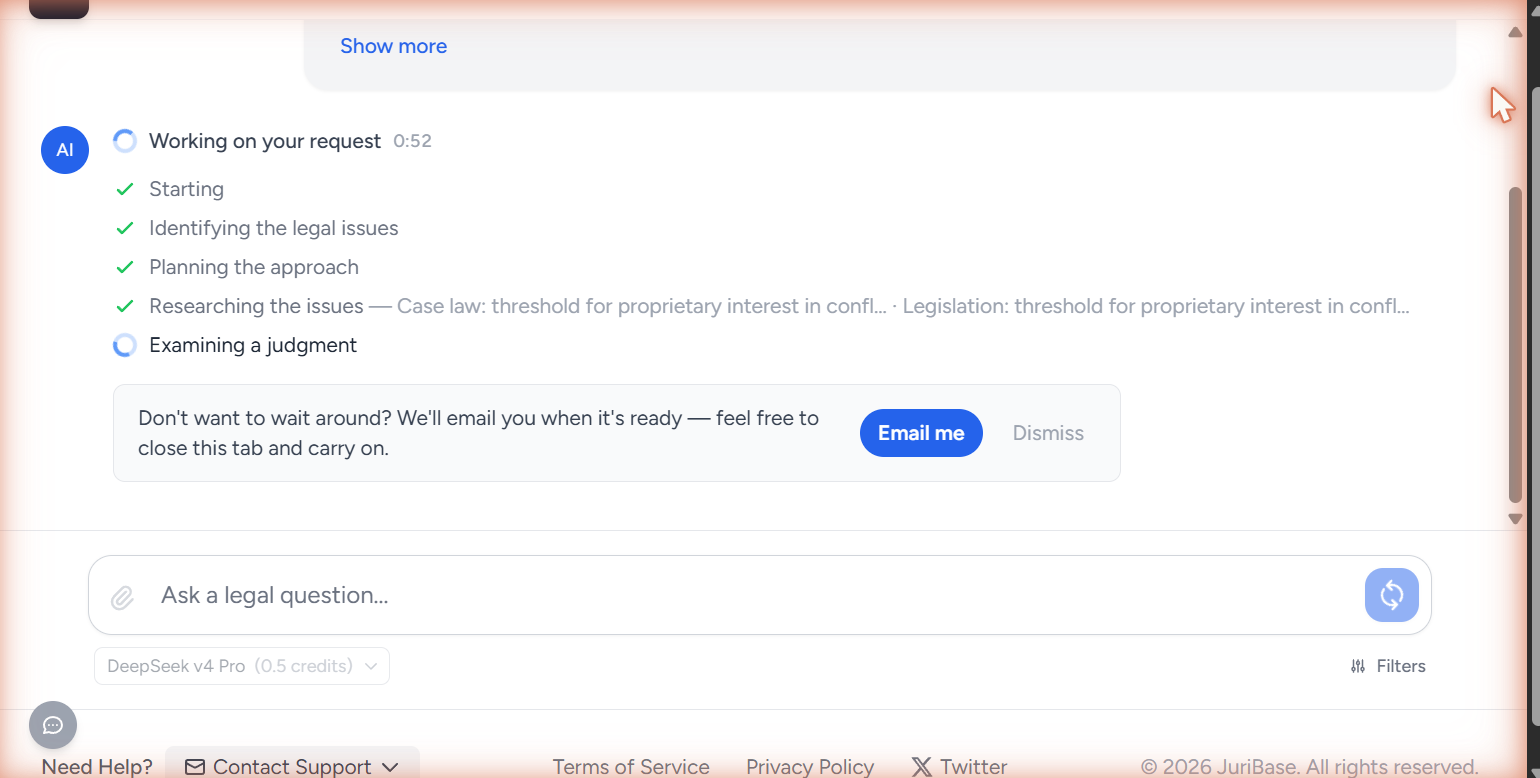
While it runs you can watch it work — identifying the legal issues, planning its approach, researching, examining judgments, and finally synthesizing. Within a few seconds an Email me option also appears. Click it and you can close the tab entirely; the work carries on without you and the results are emailed when they are ready.
Reading what comes back
The answer opens with a confidence badge and a note of how many steps it took and how long it ran. You can export the whole thing to DOCX or PDF from here.
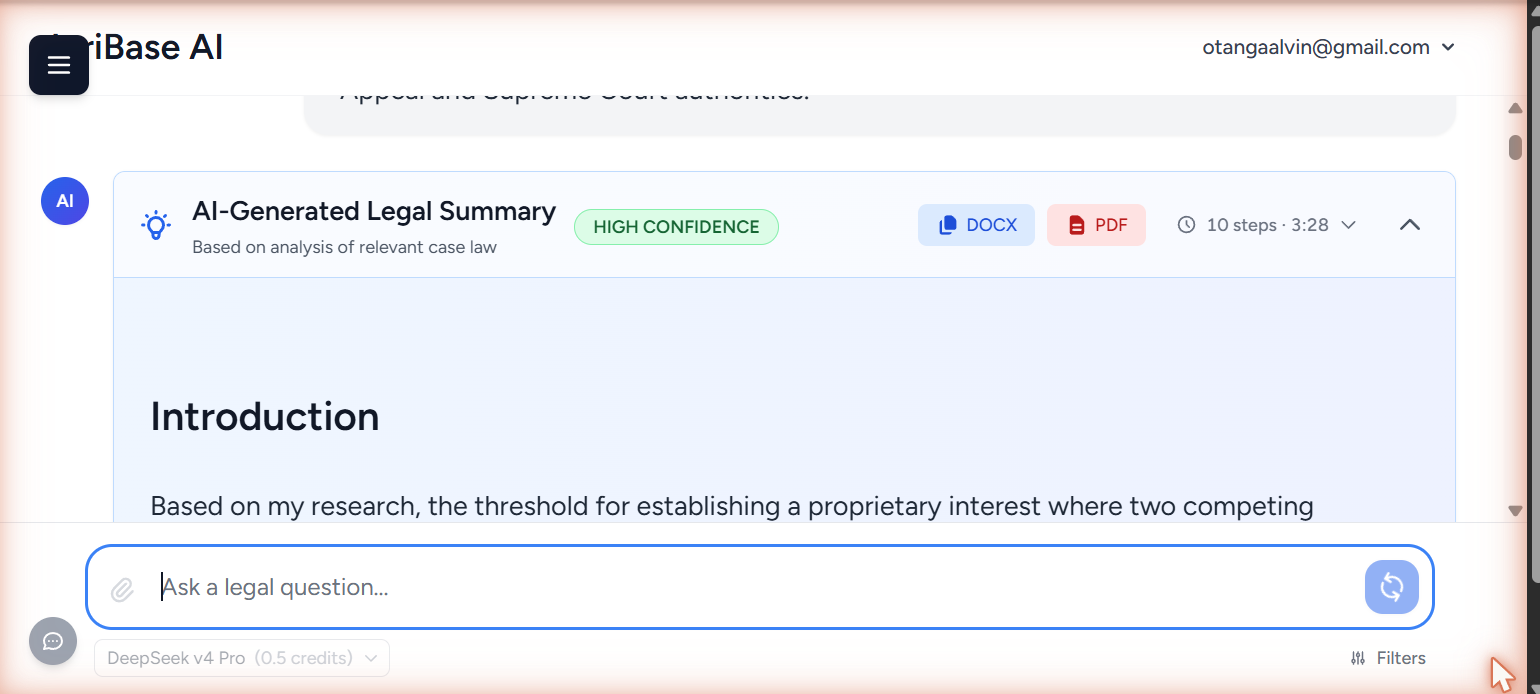
Read the confidence badge as a suggestion rather than a verdict. A medium or low rating is telling you to look harder at the underlying authorities, not that the answer is wrong. The badge can also differ between runs of the same question.
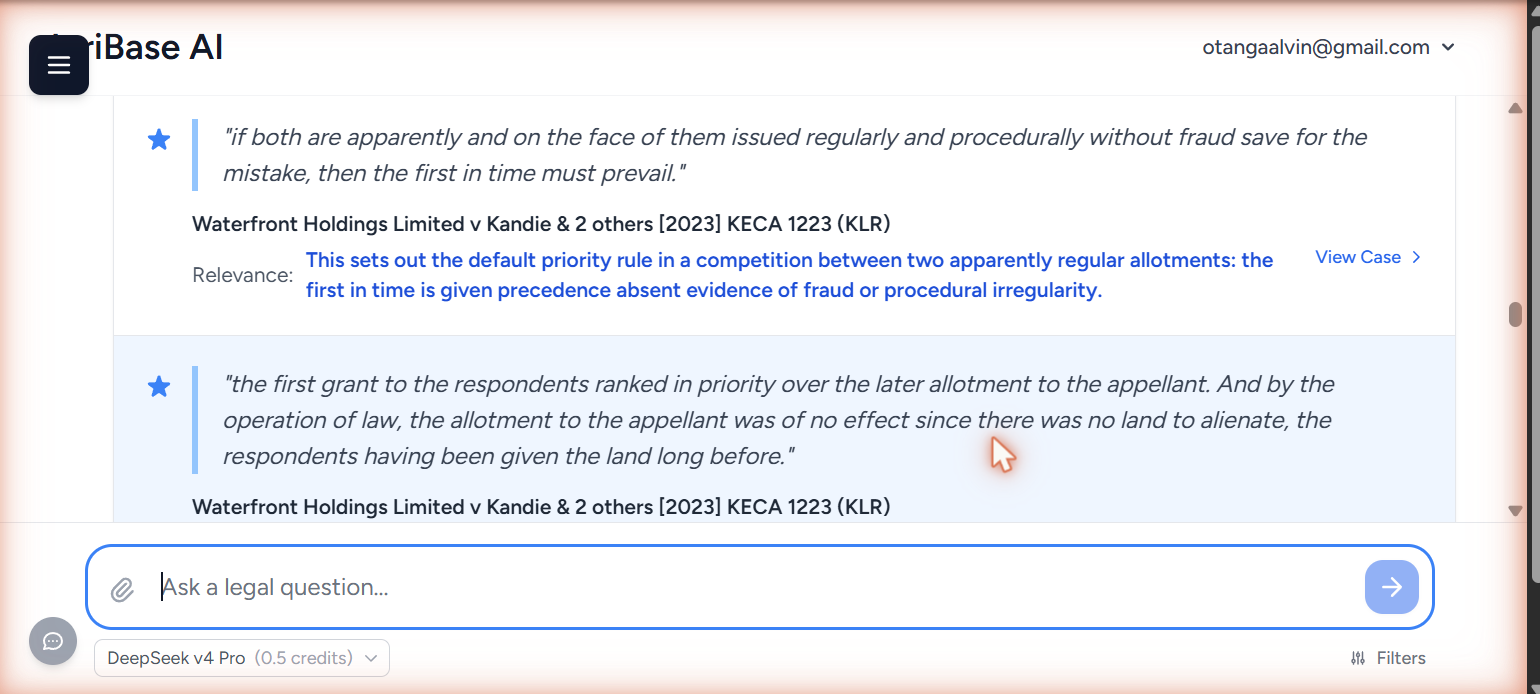
Underneath the answer are two further sections. Key Case Law Quotations gives you the actual words of the authority, each with a short note explaining why that passage matters and a link straight to the case.
Top Recommended Cases lists the authorities themselves with court, case number and date — and a View in Kenya Law link.
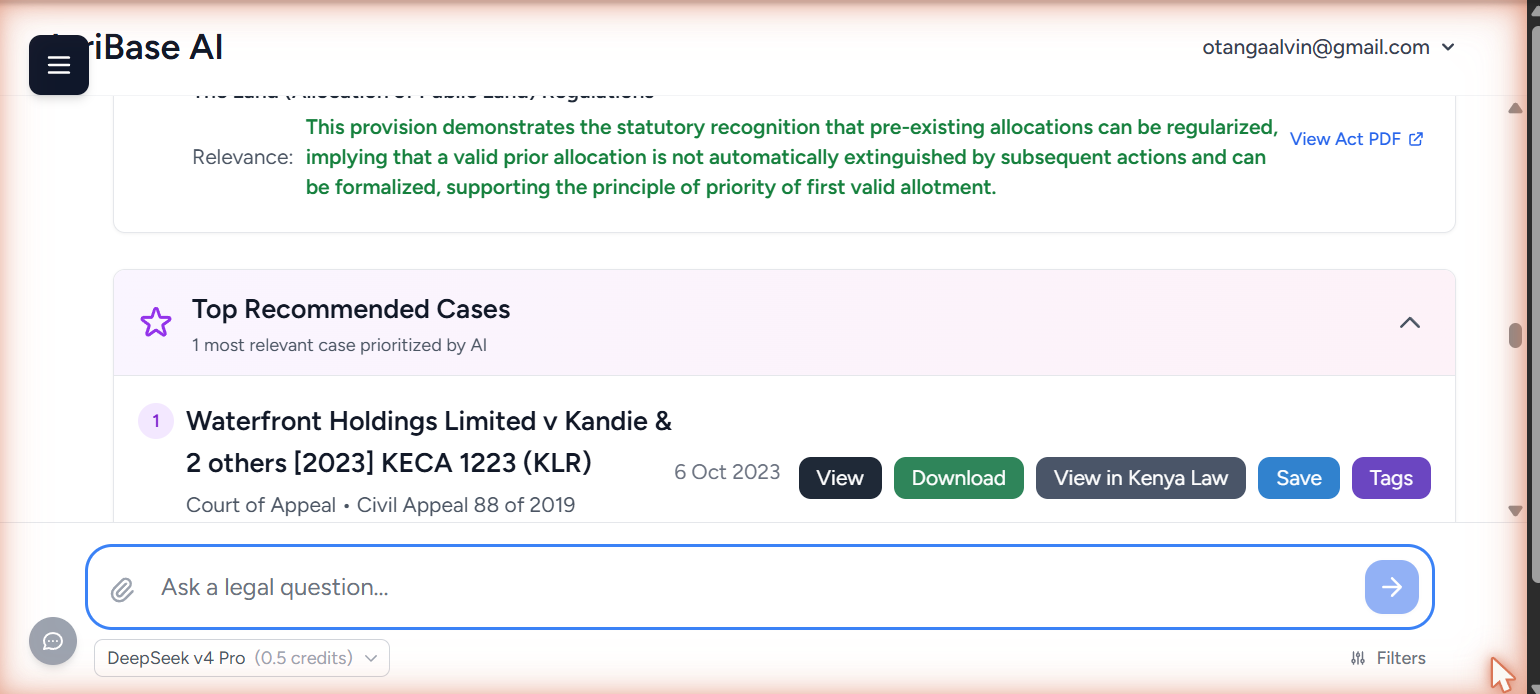
View in Kenya Law makes checking an authority a single click rather than a trip to another database. Do it every time.
One detail from that run matters. The question asked for Supreme Court authorities. The answer stated plainly that no Supreme Court authority was available on conflicting allotment letters, and gave the Court of Appeal line instead — led by Waterfront Holdings Limited v Kandie & 2 others [2023] KECA 1223. It did not manufacture a case to satisfy the request, and that is the behaviour to expect and demand.
Following up
You do not need to start again to go deeper. The conversation holds its context, so you can simply ask:
Which of those authorities is weakest for my position, and why?
"Those authorities" needs no explanation. It resolves to the cases and legislation from the previous answer, and the progress log names them as it goes back to research.
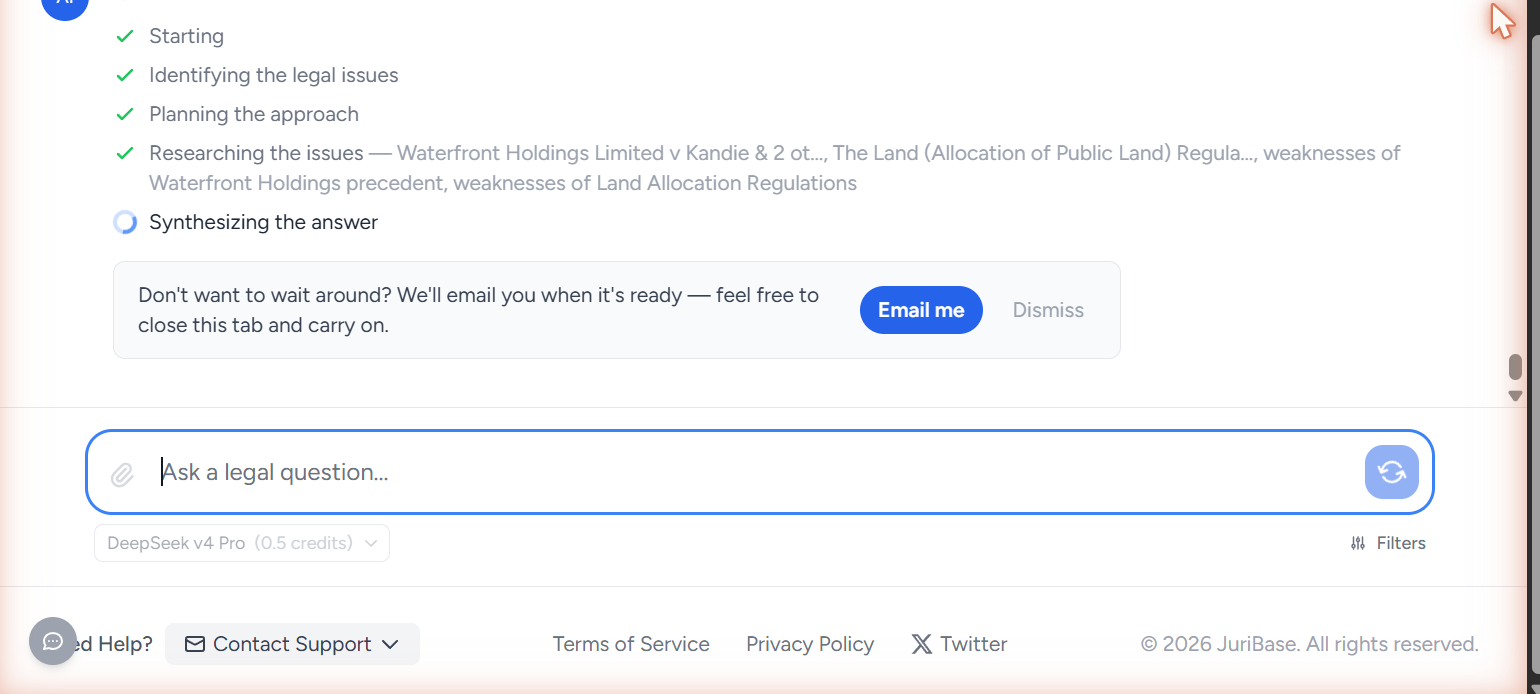
Follow-ups are the cheapest way to improve an answer. Narrow the issue, ask for the counter-argument, request a different format, ask what you have missed. Refining beats restarting almost every time.
Now hand it something bigger
Everything above works the same way on a task ten times the size. Once you are comfortable with how it handles a question you can verify, give it something you would otherwise have set aside for a quiet afternoon — a full document set to work through, a chronology to build, an issues list to prepare. Brief it properly, click Email me, and close the tab.
- Capabilities — everything it can do, including the specialist tools
- Getting Better Results — how to brief it so the answers come back sharper